#
Battery Swapping
This tutorial will show you how to replace a battery on one of our swappable vehicles.
#
Home Screen
Press the Swap tile located under the Map section in the Home screen.
Only Vehicles with less than 50% charge will appear on the map with their battery percentage Example:
Click on the vehicle tag and slide the arrow to unlock the battery hatch.
Replace the battery and ensure the vehicle turns on before closing the hatch.
You must be close to the vehicle to open the hatch.
#
Battery Swapping Example
#
Battery Removal
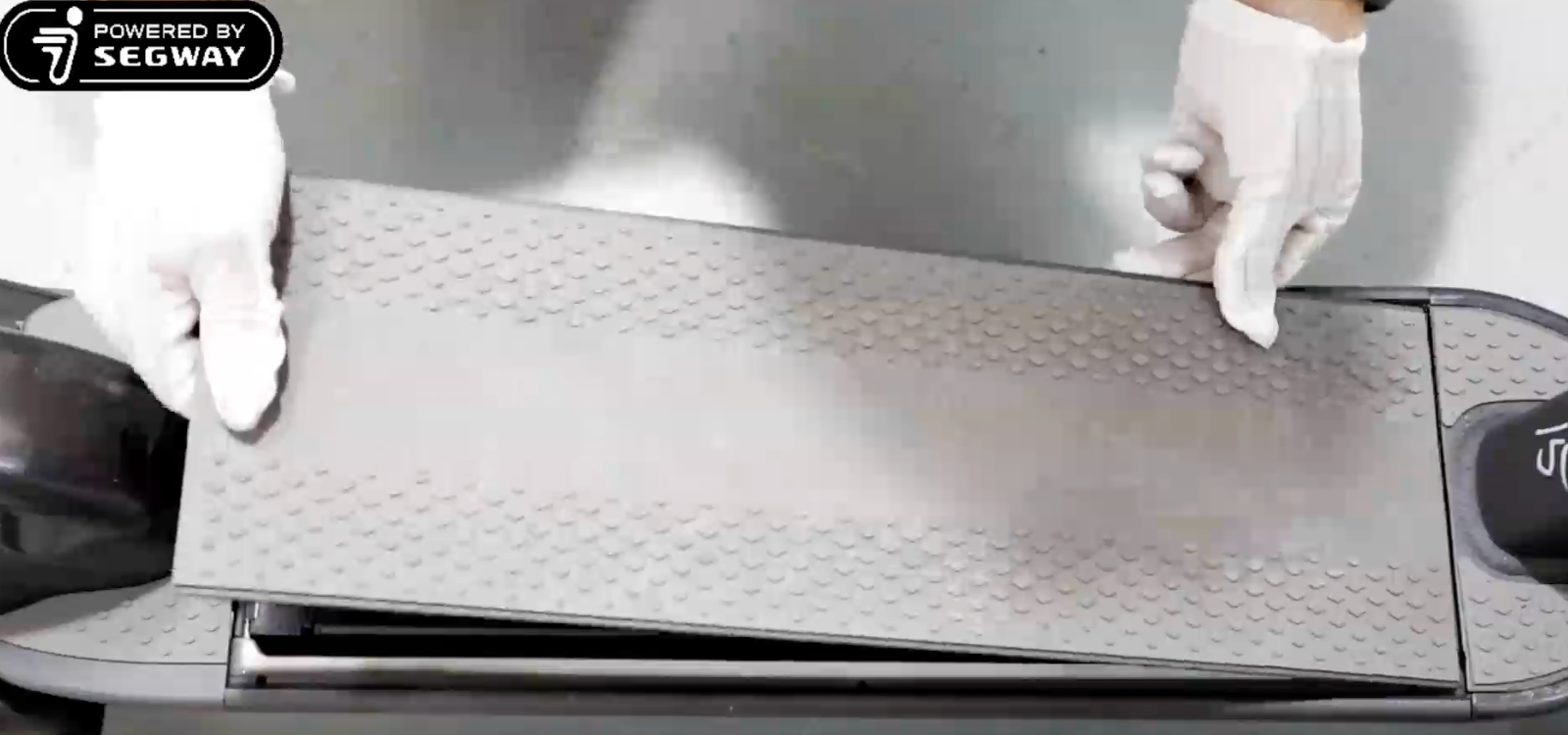
Start by unlocking the hatch and removing the cover. Lifting the cover from the rear wheel.
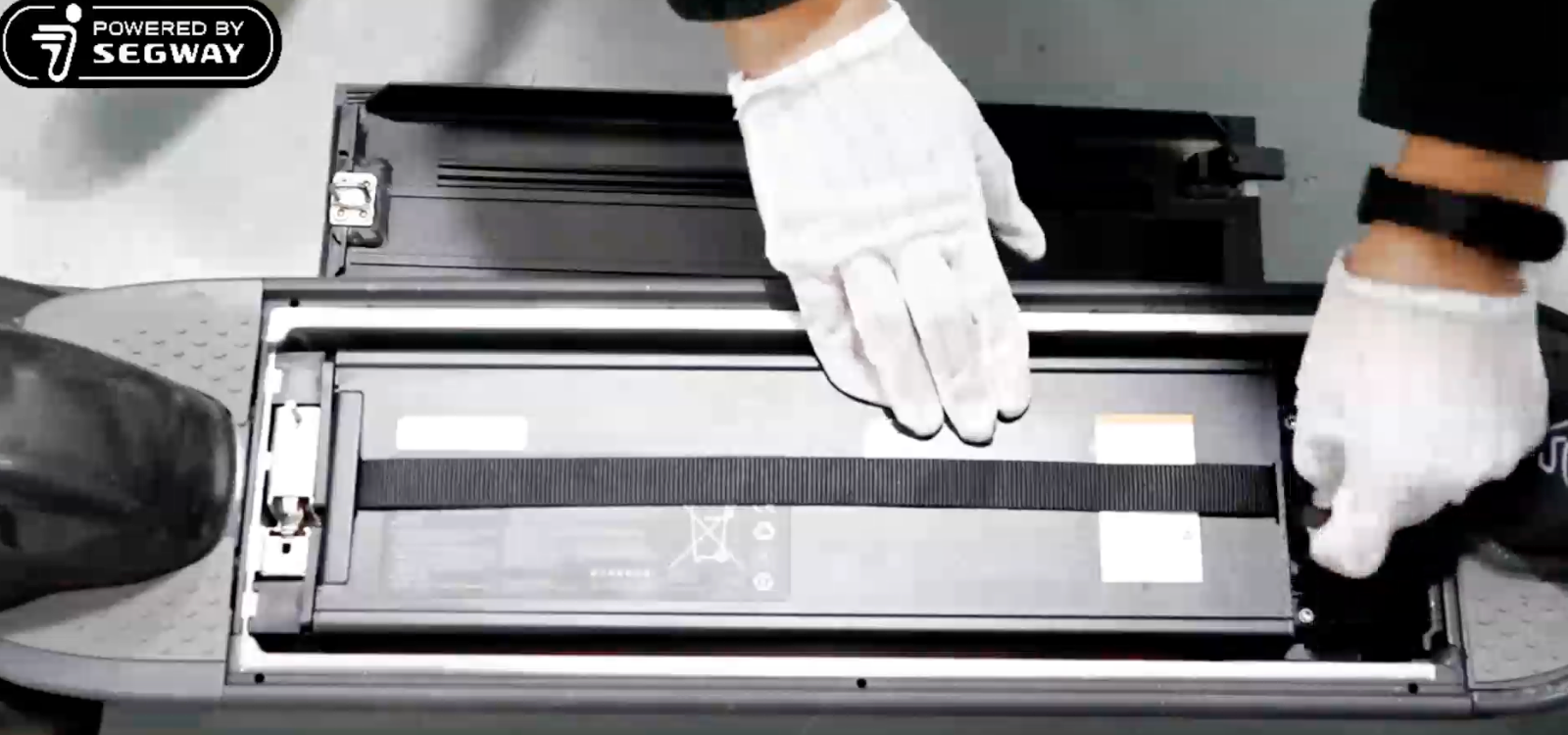
Unplug the connector from the battery by lifting the loop and pulling up.
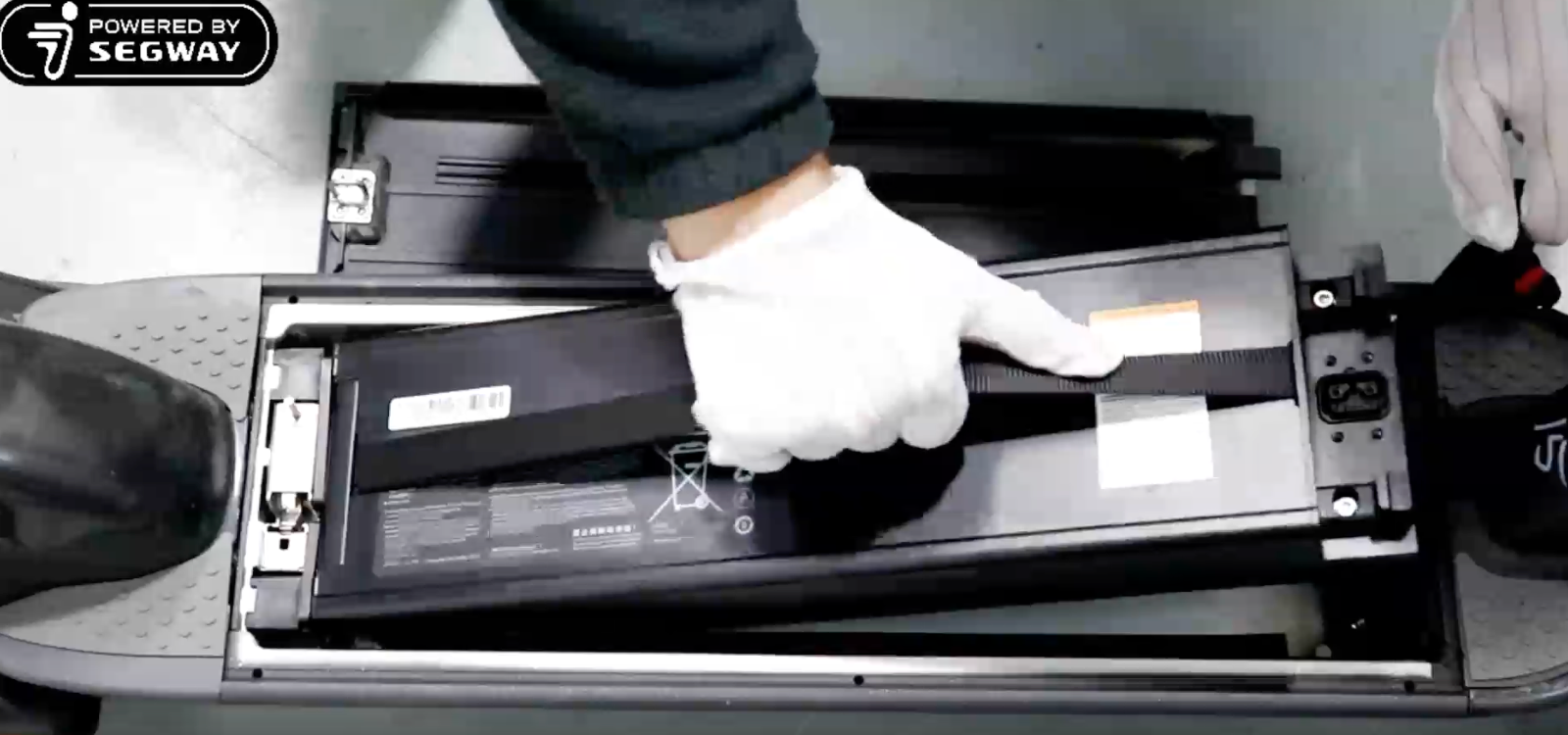
Remove the battery by pulling on the handle and lifting the battery out.
#
Battery Installation
Insert the battery by sliding it in towards the rear wheel. Similar to how it came out.
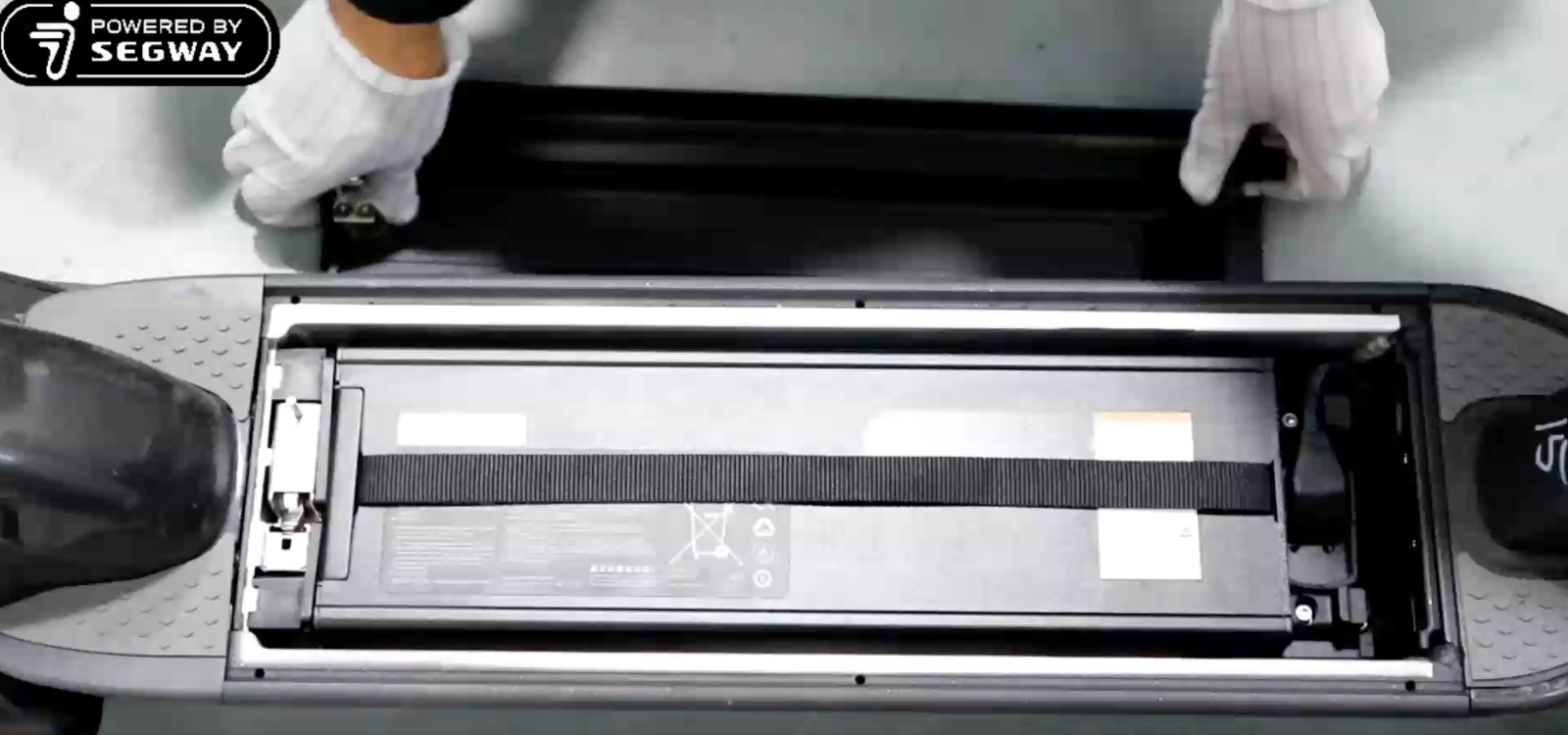
Plug in the connector and wait for the scooter to beep and screen to turn on.
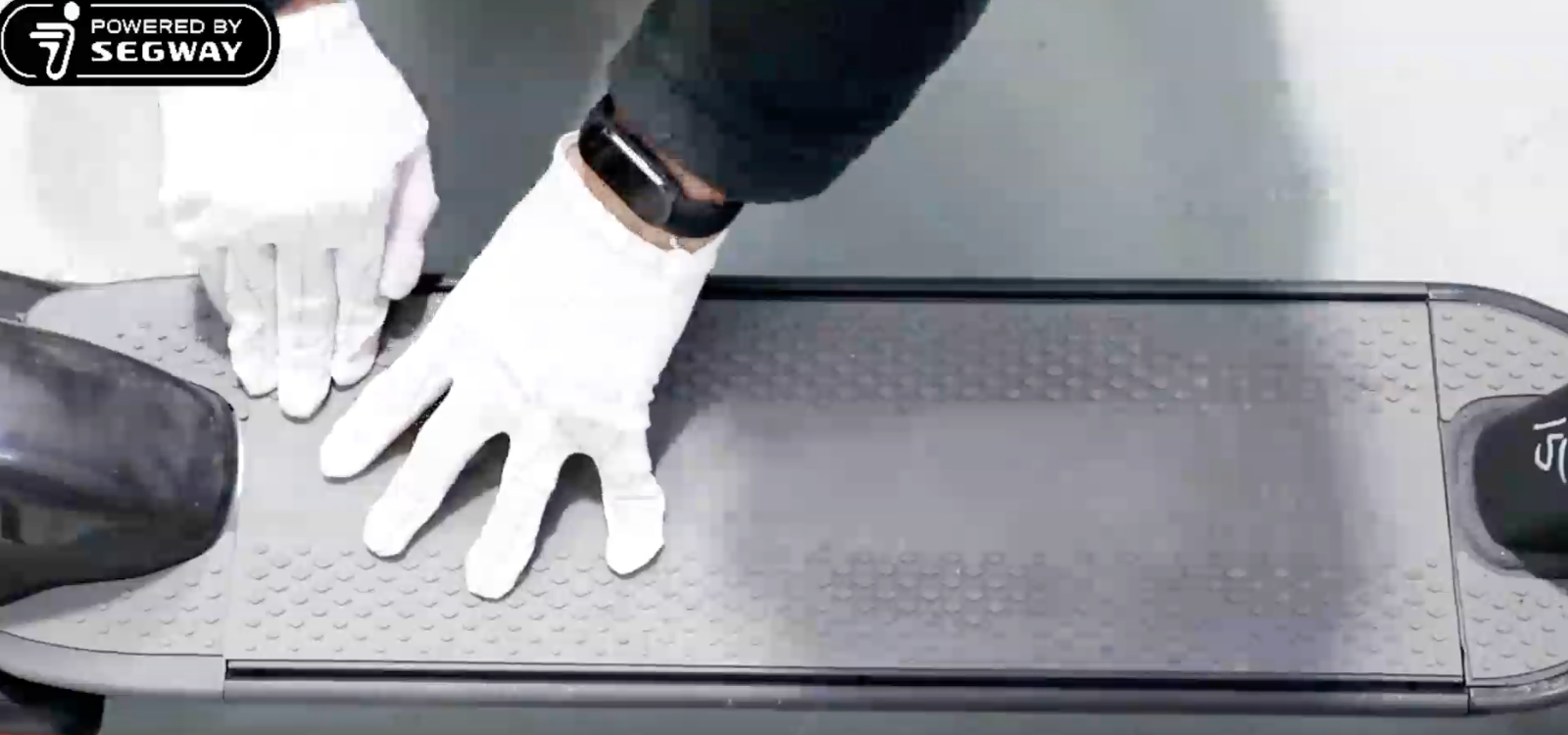
Close the hatch after verifying the scooter is getting power and firmly press on the hatch until you hear a click.